What files can be downloaded by students?
Documents, images, and videos uploaded to Brightspace can be viewed inline by students. To display documents inline, the Document Conversion Service converts uploaded documents into PDFs. Students can also download files from the course content, including entire modules. When students download documents, they are saved in their original file formats.
The following cannot (properly) be downloaded:
- HTML text documents, these are exported as URLs and are therefore not usable.
Content that is hidden from students remains hidden and is not included in a download.
Downloading
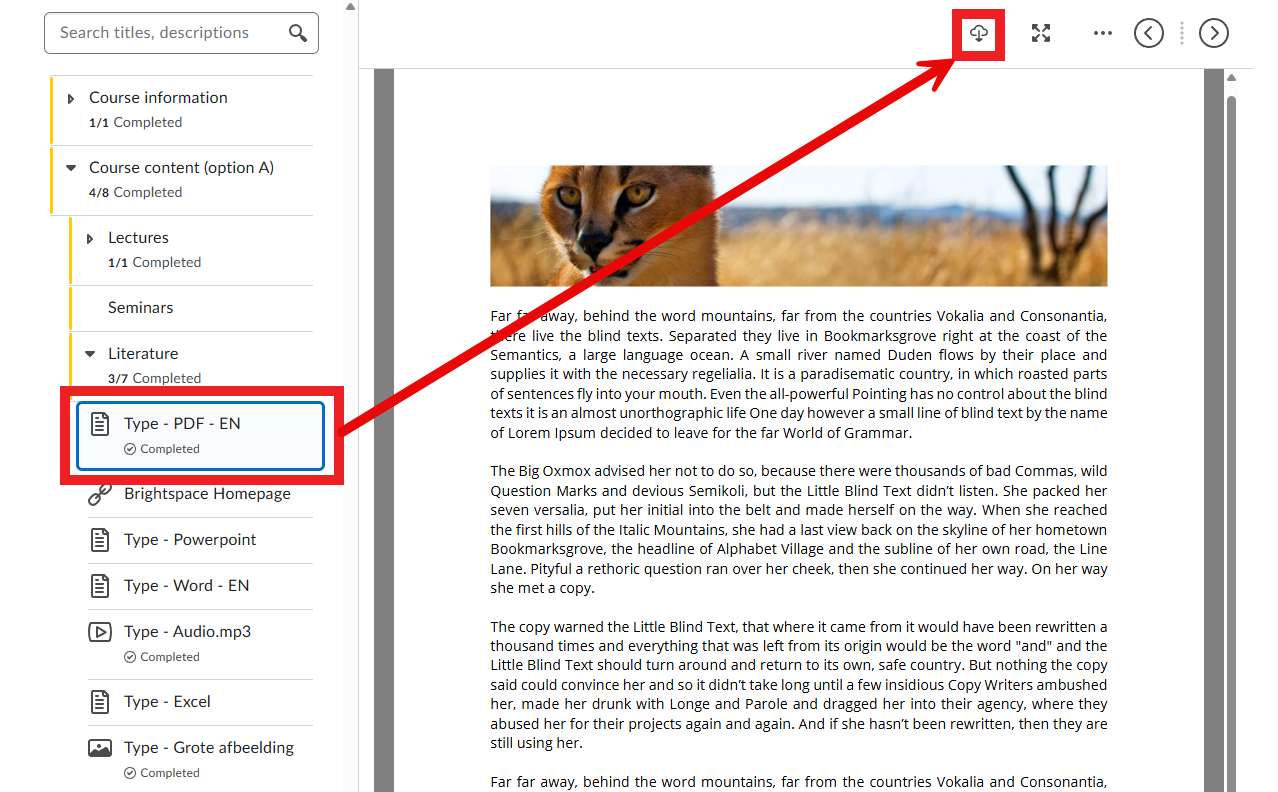
- To download an individual file, students can navigate to the file in Brightspace and click the cloud icon at the top right of the page.
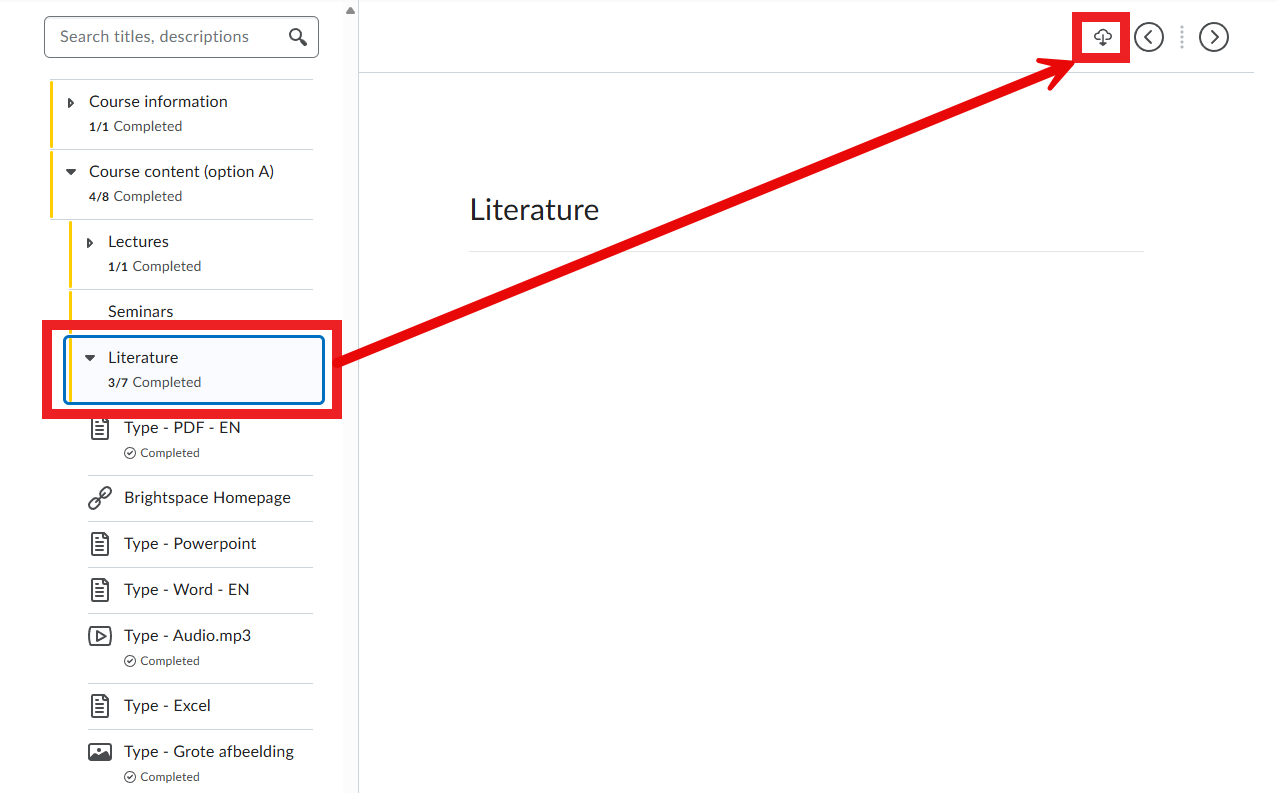
- To download an entire unit, students can navigate to the folder (Unit, Lesson or Folder) and click the cloud icon at the top right of the page.